

suncare is the new skincare
La nouvelle génération de protection UV
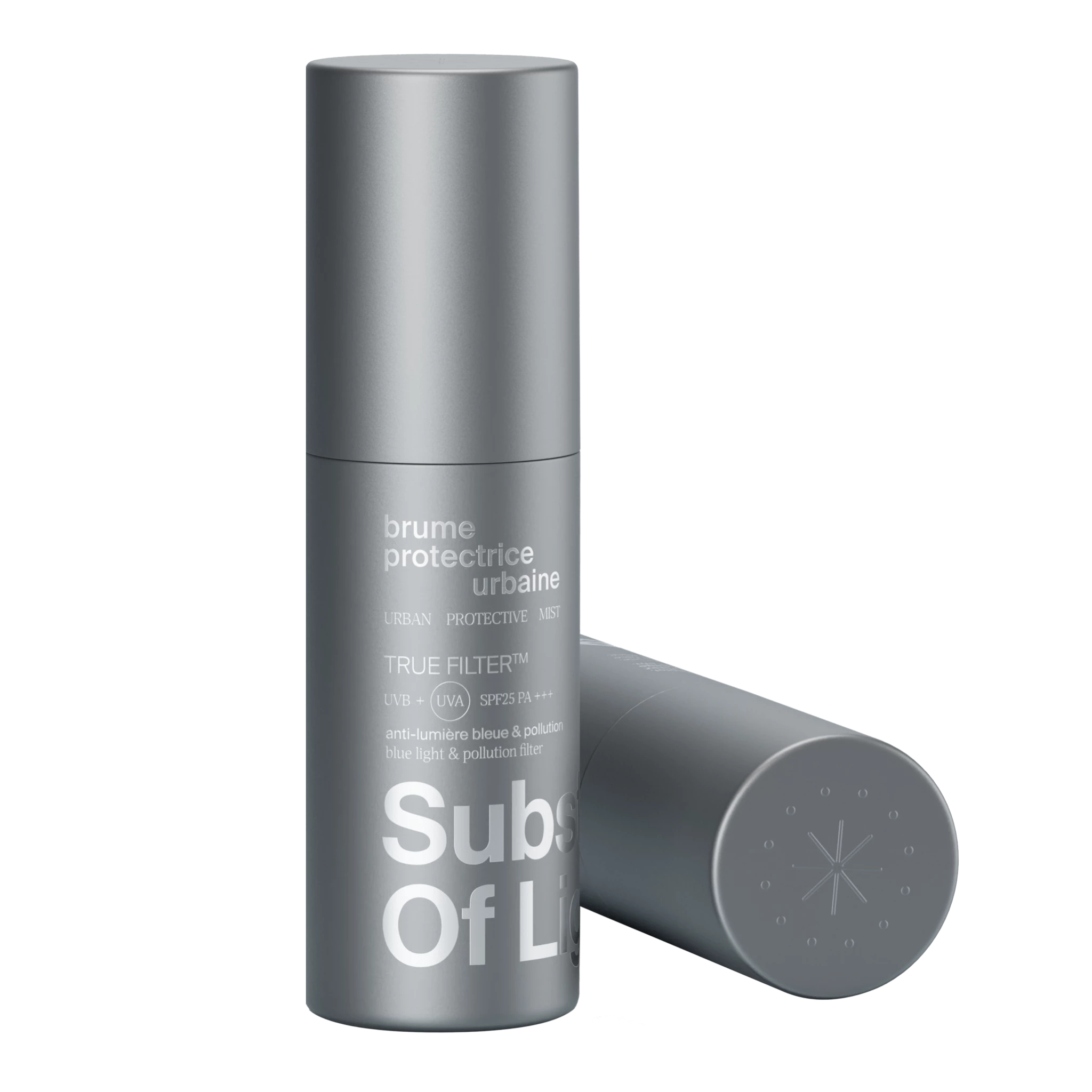


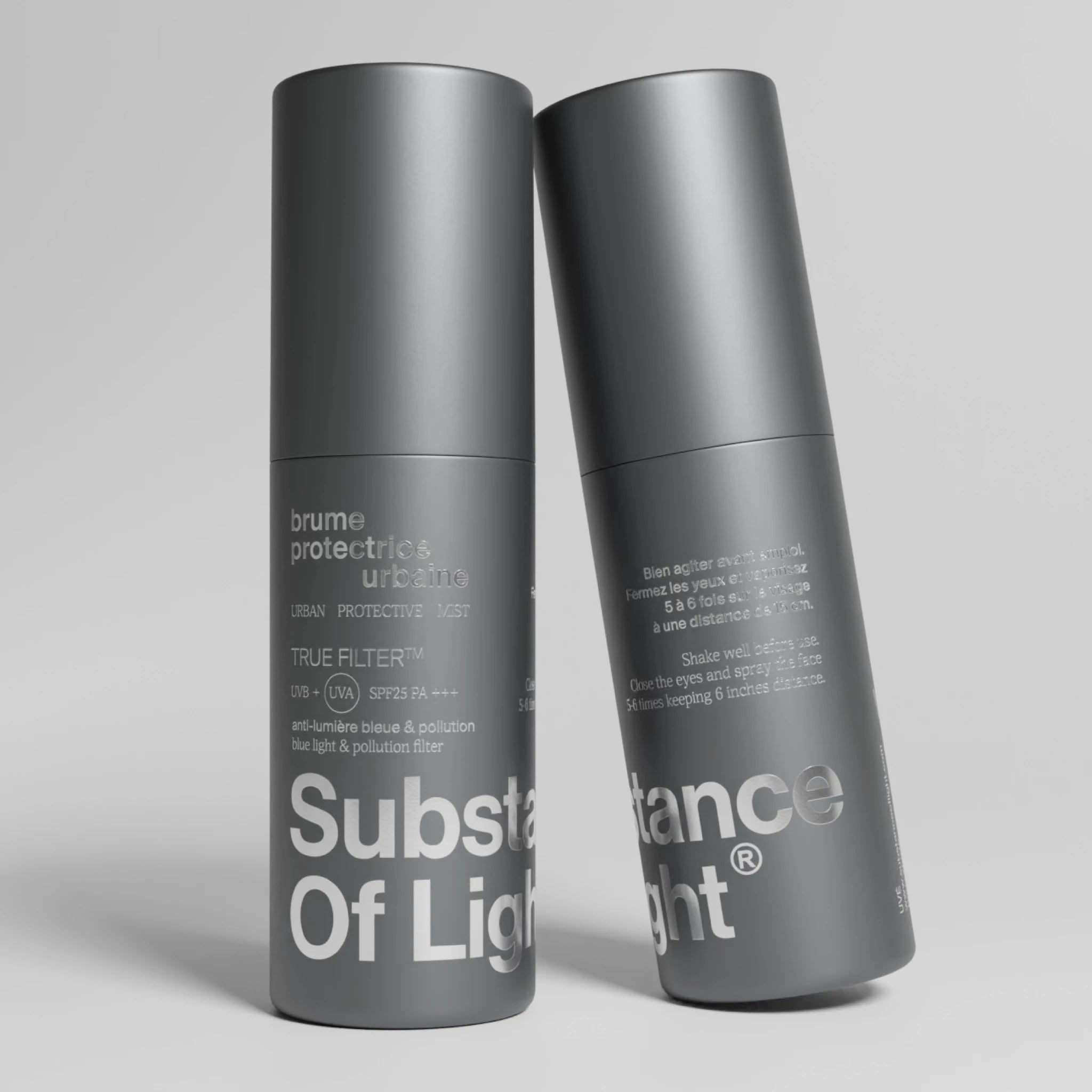
TRUE FILTER™ brume protectrice urbaine
La nouvelle génération de protection UV
-
 Bouclier urbain : protection UVB UVA SPF25 PA+++ anti-lumière bleue & pollution.
-
 Texture brume : voile protecteur au fini invisible, sans effet gras.
-
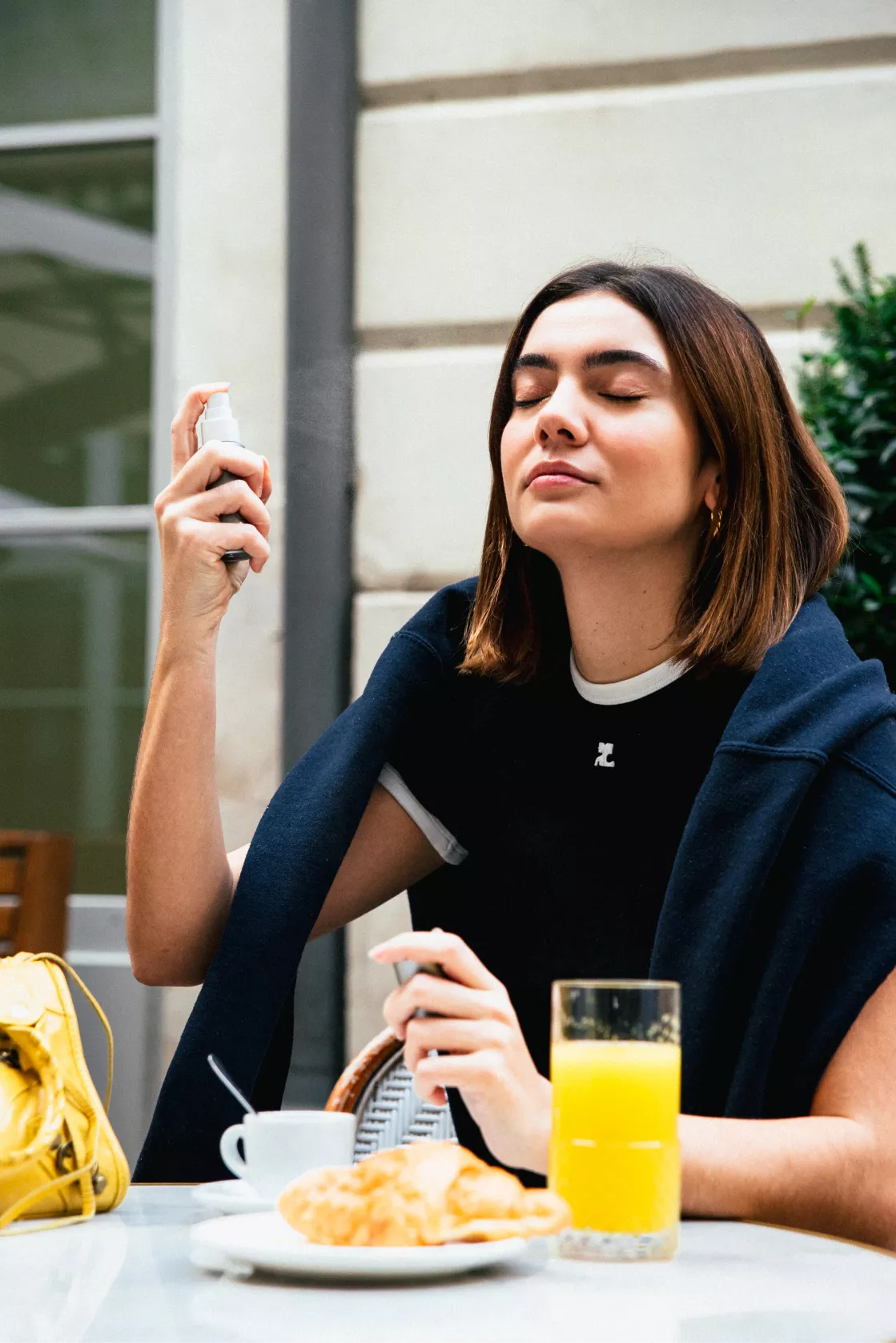
 Make-up friendly : (ré)application par-dessus le maquillage, sans étaler.
Brevet déposé. Conçue et fabriquée en France.
Pourquoi on l'aime ?
-
 Hydrate et illumine le teint (niacinamide, vitamines C/E).
-
 Notée 93/100 sur Yuka. Convient aux peaux sensibles.
-
 Format pratique et nomade (50ml).


Pourquoi se protéger au quotidien ?
80%
du vieillissement prématuré provient de la lumière invisible (UVA, UVB) et visible (HEV, lumière bleue)

5 heures
par jour devant un écran suffisent pour créer des dommages cellulaires profonds
9 / 10 personnes
respirent un air pollué, source de stress oxydatif et de dommages cellulaires
En extérieur
Les rayons solaires (UVA, UVB) invisibles à l’oeil nu, ainsi que la HEV, sont responsables des coups de soleil, du vieillissement prématuré de la peau (rides, taches brunes, relâchement cutané) voire des mécanismes de cancérisation. En milieu urbain, la pollution atmosphérique agit comme un effet loupe sur les UV, amplifiant ses effets néfastes sur la peau.
En intérieur
La peau est tout aussi exposée aux UVA qui traversent les fenêtres. À l’ère du digital, la lumière bleue des écrans (smartphones, ordinateurs) est à l’origine du stress oxydatif, qui ralentit la régénération cellulaire (taches pigmentaires, imperfections).

TRUE FILTER™ : un petit geste pour une grande protection
Il est primordial de se protéger quotidiennement contre le spectre lumineux et les agresseurs environnementaux pour préserver son capital santé.
Pourtant, rares sont ceux qui s’appliquent une protection sur la peau avant de partir au bureau, et encore plus rares, ceux qui pensent à réappliquer leur protection en journée.
C’est pour répondre à ce besoin de protection que nous avons développé TRUE FILTER™.
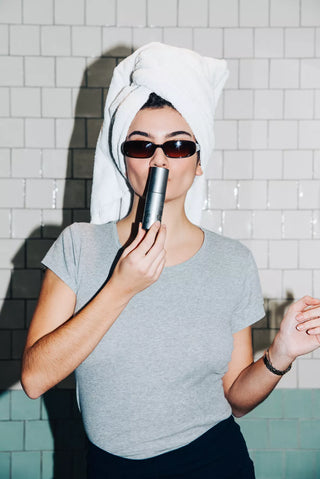
Vous offrir la meilleure protection alliant haute performance, sensorialité et praticité pour lutter quotidiennement contre les sources de lumière.
Blog posts

SPF15/30/50, PA++/+++ : Quelles différences ?
Avez-vous déjà cherché à comprendre les distinctions entre une crème solaire SPF 30 et SPF 50 ? Quelle est la pertinence du large spectre (broad spectrum) et comment les tests...
Quelle protection SPF choisir au quotidien ?
SPF25 ou SPF50, quelle est la meilleure option pour une utilisation quotidienne ? Un SPF25, bien qu'il puisse sembler moins protecteur, filtre 96% des rayons UVA et UVB, tandis qu'un...